In high-conflict cases, almost everything depends on having clean records of communication, scheduling, expenses, and child-related decisions. Co-parenting apps were built for exactly this need. Used well, they protect you. Used carelessly, they produce a slick-looking record of you at your worst.
This article walks through the most-used apps, what they're good for, and the discipline that makes any of them effective.
Why use an app at all
The strategic case for a co-parenting app comes down to four things:
- Single source of truth. All communications, schedules, expenses, and documents in one place that both parents can access. No more "I never got that text."
- Tamper-evident records. Most apps preserve messages, edits, and read-receipts in a way that makes them admissible and credible at trial.
- Reduced surface area for conflict. Centralizing communication means you stop checking texts, voicemails, emails, Facebook Messenger, and the school portal. One place. One time per day. Closed.
- Awareness effect. Both parents know the record is being preserved. This tends to moderate the worst behavior on the other side — not always, but more often than you'd expect.
The main options
OurFamilyWizard
The market leader and the most often court-ordered. Strengths: comprehensive feature set (messaging with "ToneMeter," shared calendar, expense tracking, document storage, child information journal). Court-grade record export. Widely recognized by judges and attorneys, which makes admissibility straightforward. Weaknesses: subscription cost (around $99-$144 per parent per year, last we checked). Interface is feature-dense and takes some learning.
TalkingParents
Strong free tier with optional paid upgrades. Strengths: clean messaging with timestamps and read-receipts. The "Accountable Calling" feature records calls (with both parties on notice). Solid record export. Lower friction to start using than OurFamilyWizard. Weaknesses: fewer integrated features — expense management and calendaring are less mature.
AppClose
Free for basic use. Strengths: clean messaging, shared calendar, expense splitting with payment integration. Good mobile experience. Weaknesses: less established with courts than OurFamilyWizard, though that's changing. Record export and admissibility are still functional but less standardized.
2houses
Strong on logistics — calendars, expense splitting, photo sharing, info-bank for children. Strengths: family-management features (medical records, school info, contacts). Useful for families managing complex logistics across two homes. Weaknesses: the conflict-management features (court-grade messaging records) are less prominent than the family-management features.
Coparently
Newer entrant focused on practical co-parenting workflows — scheduling, expense tracking, and structured messaging. Worth a look for parents who want something simpler than OurFamilyWizard.
Which to choose
In most high-conflict cases, the right choice is OurFamilyWizard or TalkingParents. Two practical reasons:
- Court recognition. These two are the apps judges and attorneys are most familiar with. Record exports look like what the courthouse expects to see. Cross-examination on their records is straightforward.
- Court-orderable. If your case is contested enough that you need an app, you may be able to get one court-ordered. Judges are more likely to order an app they know.
Between the two, the rough heuristic: if you can afford the subscription, OurFamilyWizard is more comprehensive. If cost is a factor, TalkingParents offers most of what you need at a lower price point.
The discipline that makes any of them work
The app is not the strategy. The discipline is. The protective parent who uses OurFamilyWizard badly will lose ground every week. The protective parent who uses any app well will build a case file that is nearly self-presenting at trial. The discipline:
Move everything to the app
No texts. No phone calls without a follow-up message in the app. No emails outside the app. No DMs on social media. If your ex insists on calling, after the call you send an app message: "Following our call at 4:15: we discussed X, you agreed to Y, the next step is Z by Friday." If they correct you in the app, fine — the correction is also a record. If they don't, your summary stands.
Write every message as if a judge will read it
Because a judge probably will. Short. Factual. Polite. No sarcasm. No personal attacks. No history-relitigating. No emoji. State the issue. Propose the solution. Provide the deadline. Move on.
Use the "BIFF" principle
Brief, Informative, Friendly, Firm. Each message: under 100 words if possible, sticks to the relevant facts, maintains a neutral-friendly tone, and is firm about what you need without being demanding.
Respond within a reasonable window, not instantly
Designate windows. Once or twice a day. Read inside the window, respond, close. Outside the windows you do not check. The "respond instantly to every provocation" pattern is exhausting and produces worse messages. Discipline of windows produces better messages and protects your nervous system.
Don't engage with provocations
Your ex sends a three-paragraph attack. Your reply does not address any of the three paragraphs. It addresses the one practical question buried in there, if any, and ignores the rest. Or it acknowledges receipt and proposes the next concrete step. The judge reading the message thread later sees one party escalating and one party staying focused on the kids.
Use the calendar, not memory
Every schedule change, every pickup time, every visit cancellation, every doctor's appointment, every school event — on the app's calendar. When a dispute arises about who agreed to what, the calendar is the record.
Log expenses in the app
If the app has expense tracking, use it. Every reimbursable expense submitted through the app, with receipts attached, with the requested split clearly stated. Disputes about who owes what become trivial when there is a clean log.
Maintain the children's info bank
School information, medical records, allergies, providers, schedules. Both parents need access. The protective parent who keeps the info bank current is signaling something important about who is actually doing the parenting work.
What not to do
- Don't write anything in the app you would not want the judge to read aloud. Every message is an exhibit.
- Don't try to "win" individual exchanges. The goal is the cumulative record, not the rhetorical victory.
- Don't bait the other parent. Provocations from you produce escalations from them that look mutual. Stay above the line.
- Don't reference the case file, court orders, or attorneys in messages. Use the app for routine coparenting. Legal matters go through your attorney.
The bottom line
A co-parenting app is one of the highest-leverage tools available to a protective parent in a high-conflict case. The cost is modest, the time investment is small, and the cumulative payoff at trial — in the form of clean, documented, court-ready communication records — is hard to overstate. Pick one, move all communication into it, and run the discipline patiently. Within a few months, you will have built one of the most useful pieces of your case file without thinking of it as case work at all.
Want the full playbook?
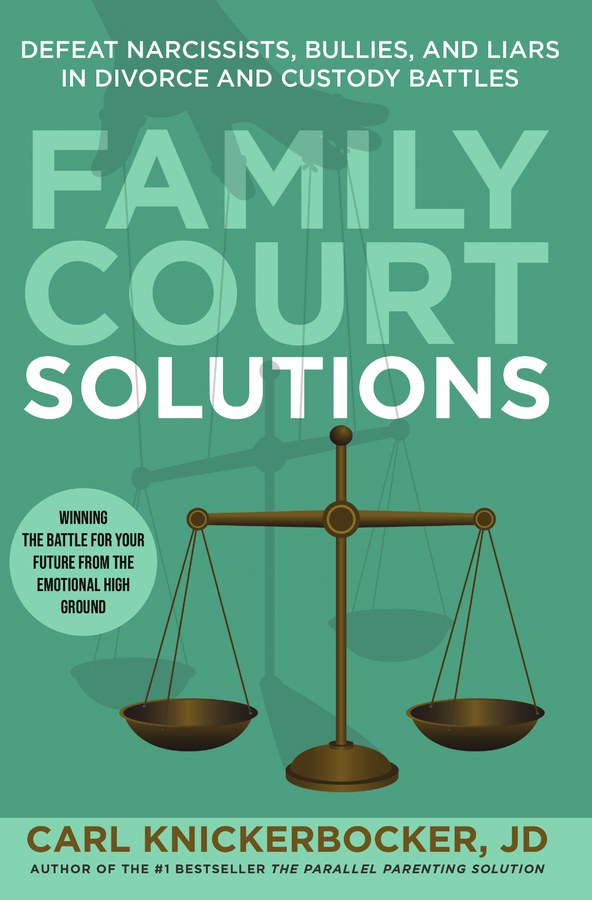
This article is adapted from Family Court Solutions by Carl Knickerbocker, JD — the therapist-recommended, attorney-written guide to defeating narcissists, bullies, and liars in divorce and custody battles.
Get the Book